
How to Enable Auto-Lock on Overdue Rent in 3 Steps with FANDAN

Chasing overdue rent and utility fees manually is time-consuming and often leads to confrontations. FANDAN tightly couples hardware control with billing rules, turning your smart lock into an automated compliance tool. This guide uses the LDRENTING FANDAN Manager platform to walk you through enabling auto-lock on overdue payments in three steps—balancing collection efficiency with legal safety.
Why Auto-Lock on Overdue Matters
Traditional collection relies on repeated phone calls and on-site notices, driving up labor costs with limited results. With FANDAN automation, when rent or utility charges exceed the grace period, bound locks like the F25 and P30 automatically disable tenant credentials, creating effective accountability. According to industry public data, operators using automated enforcement reduce collection cycles by over 30% (Source: Industry public report). The entire process eliminates doorstep confrontations and frees up your field staff. Learn more about hardware and platform capabilities at the [FANDAN official site](https://store.fandanlock.com).
Who Should Use This
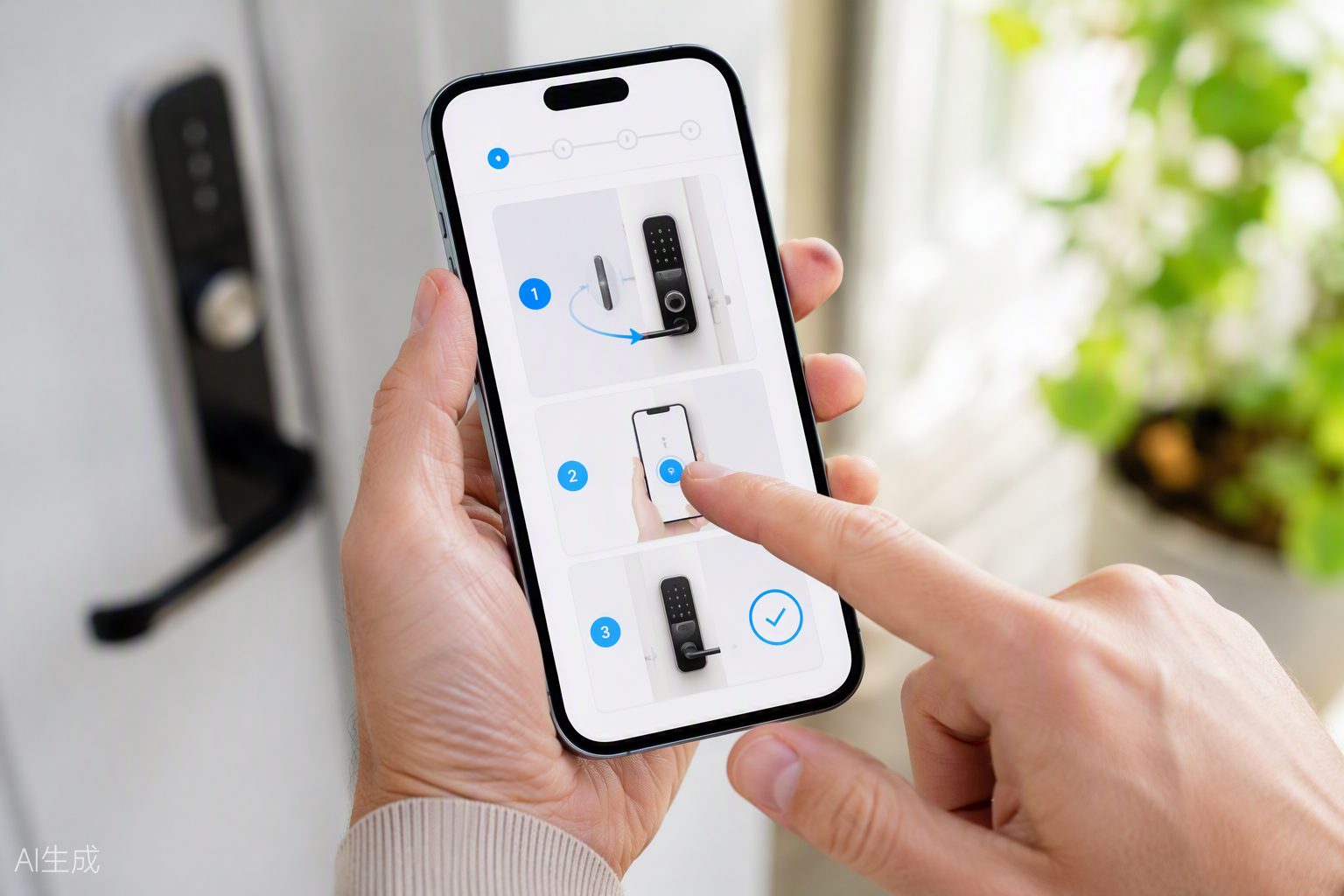
Long-term apartment operators, public rental housing, staff dormitories, and serviced apartments can all benefit. It is especially valuable for monthly payment, post-stay billing, or utility-reimbursement models. When a tenant misses the payment deadline and ignores system reminders, auto-lock serves as a final enforcement layer that protects cash flow while removing the emotional toll of manual collection.
Three Steps to Enable Auto-Lock
Step 1: Register the Unit and Bind the Smart Lock to Build Cloud Linkage
- Log into the LDRENTING FANDAN Manager web dashboard. Navigate to Asset Management > Unit List and click Add Unit. Enter the room number, tenant mobile number, and lease dates, verifying every detail.
- On the unit details page, click Device Binding > Add Lock, then scan the QR code on the F25, P30, or F9PRO+ body to pair. Once bound, the lock's online status syncs to the cloud in real time.
- Return to the Unit List and confirm the room shows a green Online badge and an Active lease status; otherwise, policies cannot deploy correctly.
> [Screenshot placeholder] LDRENTING dashboard Unit List page showing room numbers, tenant info, and green online status for an F25 lock
Step 2: Configure Billing Rules and Overdue Enforcement to Define the Red Line
- Go to Financial Management > Billing Rules. Select the target unit and click Edit Rule. Check Rent Bill and Smart Meter fees (ensure a FANDAN smart water/electric meter is installed and bound to this unit).
- Under Billing Cycle, set the generation date (e.g., 1st of each month) and grace period (e.g., 3 days). Expand the Overdue Enforcement module: enable Auto-Lock on Overdue, and set the trigger to Overdue days ≥ 1 and Amount due > 0.
- In Execution Action, select Disable passcodes/cards/fingerprint while retaining admin key access. This bars tenant entry while preserving manager emergency access via mechanical key or admin PIN.
- Click Save. The system warns, "This policy will affect X occupied units." Review and click Deploy to Locks to activate the policy instantly.
> [Screenshot placeholder] Billing Rules Overdue Enforcement modal showing the Auto-Lock toggle, overdue days input, and execution action dropdown
Step 3: Enable Notifications and Verify the Closed Loop to Prevent Missed Enforcement
- Visit System Settings > Message Templates. Turn on Bill Due Reminder and Auto-Lock Warning. We recommend three reminder nodes: 1 day before due, on the due date, and 2 hours after overdue.
- Use a test mobile number to simulate a tenant logging into the LDLOCK FANDAN Smart app and confirm push notifications arrive with a Pay Now button.
- Create a small test bill, let it go overdue, then check Operation Logs in the dashboard. You should see a complete chain: Bill overdue → Freeze command issued → Lock disabled successfully. When the tenant tries their code on the F25 or P30, the panel returns Frozen. After payment, the system auto-issues a restore command and normal access resumes within 10 seconds.
> [Screenshot placeholder] Operation Logs page showing an event timeline with overdue trigger, lock freeze command, and execution result
Advanced Config: Tiered Enforcement & Bulk Management
- Bulk Template Replication: On the Billing Rules page, click Save as Template to apply the auto-lock strategy to an entire building or scattered portfolio at once. Multi-location operators can copy rules across projects, letting new properties inherit corporate standards instantly.
- Tiered Enforcement: Avoid an immediate harsh lock. Configure a staircase in Overdue Enforcement: Day 1 sends reminders only; Day 3 disables fingerprint/passcode but keeps card access; Day 7 fully freezes. This balances collection rates with tenant relations.
- Smart Meter Composite Logic: If the unit uses a FANDAN smart meter, enable Trigger only when both rent and utility are overdue. This is ideal for mixed billing models and prevents disputes over a single minor utility bill.
- Admin Whitelist for Emergency Access: Under Lock Management > Personnel Permissions, add property managers and maintenance staff to the Never-Auto-Lock whitelist. Even when tenant access is frozen, your operations team retains entry rights. See more permission strategies at the [FANDAN official site](https://store.fandanlock.com).
Troubleshooting: Three Common Setup Failures
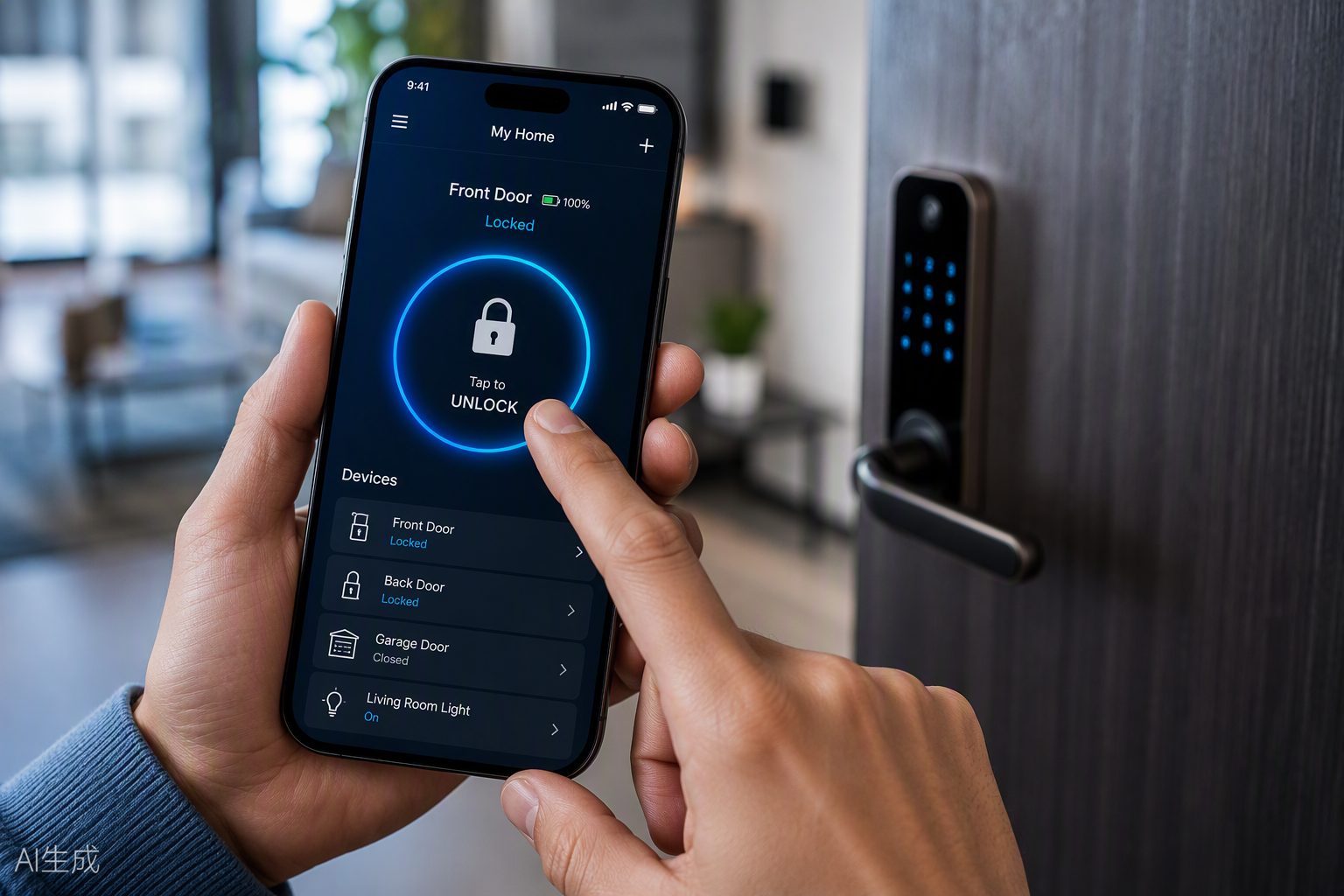
- Tenant paid but lock did not restore immediately: Usually caused by network latency or clock drift. In Lock Management, click Sync Time Now, then issue Remote Restart. Models like the F25 and P30 support OTA restart; access typically restores within 10 seconds.
- Rule did not trigger on the due date: Most often the unit status is Checked Out or the lock is offline. Verify the unit details show Leased, and confirm Wi-Fi/NB-IoT signal strength. Note that K3 Access Control follows different execution logic than door locks.
- Legal risk concerns: Embed the auto-lock clause in the digital lease and enable the 24-Hour SMS Advance Warning in system settings. FANDAN retains every notification and command log as auditable evidence. We recommend a grace period of no fewer than 3 calendar days.
Related Tools to Maximize Collection Rates
- Smart Meter Auto-Reading: Links with overdue enforcement to auto-generate utility bills, reducing manual reading disputes.
- FANDAN PMS: Designed for short-term rentals; connects to public security systems while supporting credit check-ins and overdue control.
- Power Cut Switch Integration: Pair with the FANDAN power switch to suspend room power alongside the lock freeze, creating a stronger payment prompt (requires FANDAN power switch hardware).
If you are an apartment operator or hardware integrator, visit the [FANDAN official site](https://store.fandanlock.com) to apply for the Get Free Sample program. We offer mainstream models like the F25 and P30 plus LDRENTING platform access so you can validate smart operations at zero cost.